Shodan is a well known resource which is one of my go to tools for OSINT and technical enumeration. This post will cover how we can use Shodan filters in a slightly more advanced way to hunt for resources.
I will start by covering some of the basics, before diving into filters and then ending by covering some more complex queries.
Overview
At a very basic level, Shodan routinely scans every port on every host on the internet and then ingests this into their platform. This means we can query _the whole internet_ to find details on hosts. This has a few advantages:
- As an attacker, as we can passively enumerate targets without having to actively interact with them
- This data is gathered continuously by Shodan, so it is always quite up to date
- All of this can be queried through the website, or API
- With the API, we can automate this.. 😉
Without an account we can still do some limited searching but the real value comes from having a paid account so we can use filters. In the past, they have had a sale on Black Friday.
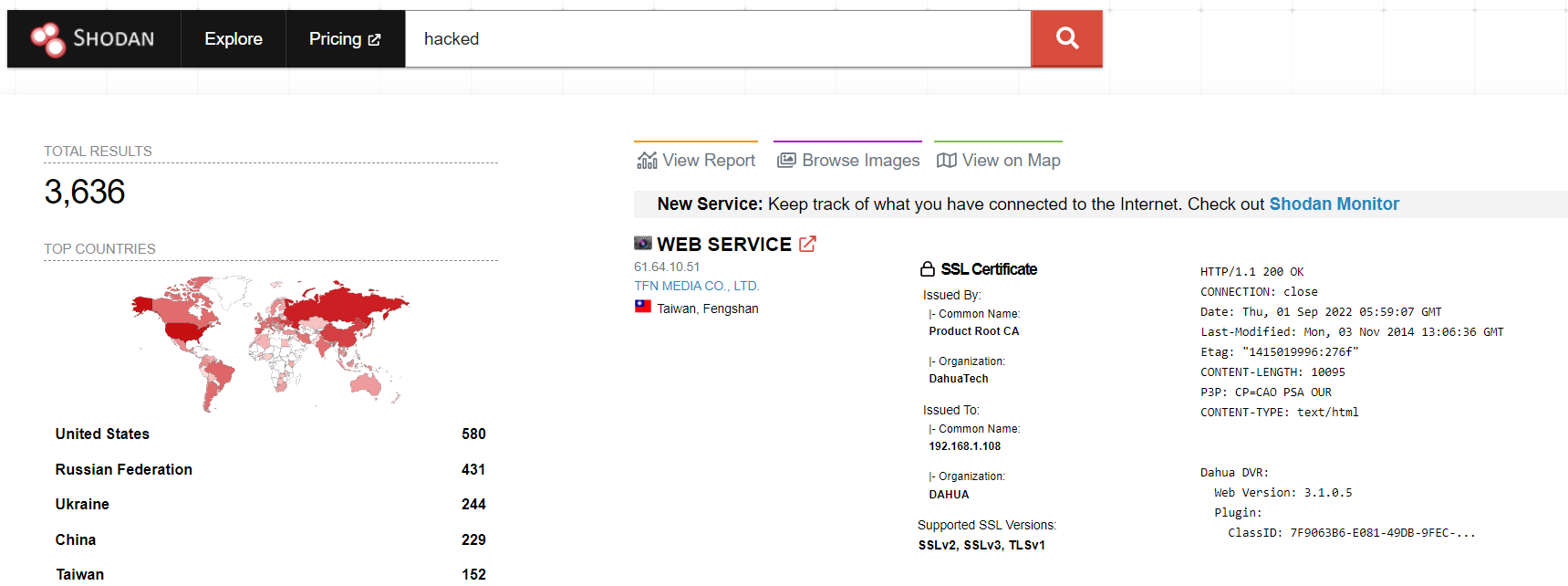
This post will assume we have a paid account, but as a free user, we can still search for phrases, such as those which contain the word hacked in their response.
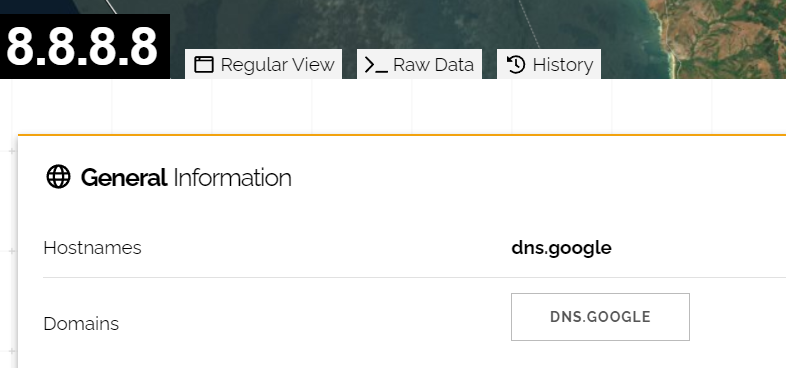
And we can also look up specific IP addresses, such as Google’s DNS server at 8.8.8.8:
Filters
Shodan has a page which lists all of the filters available. I wont delve into all of them in this post as some are fairly straightforward, and Shodan itself has a great reference page for this purpose. Instead I will look at some of the more interesting ones.
Screenshots
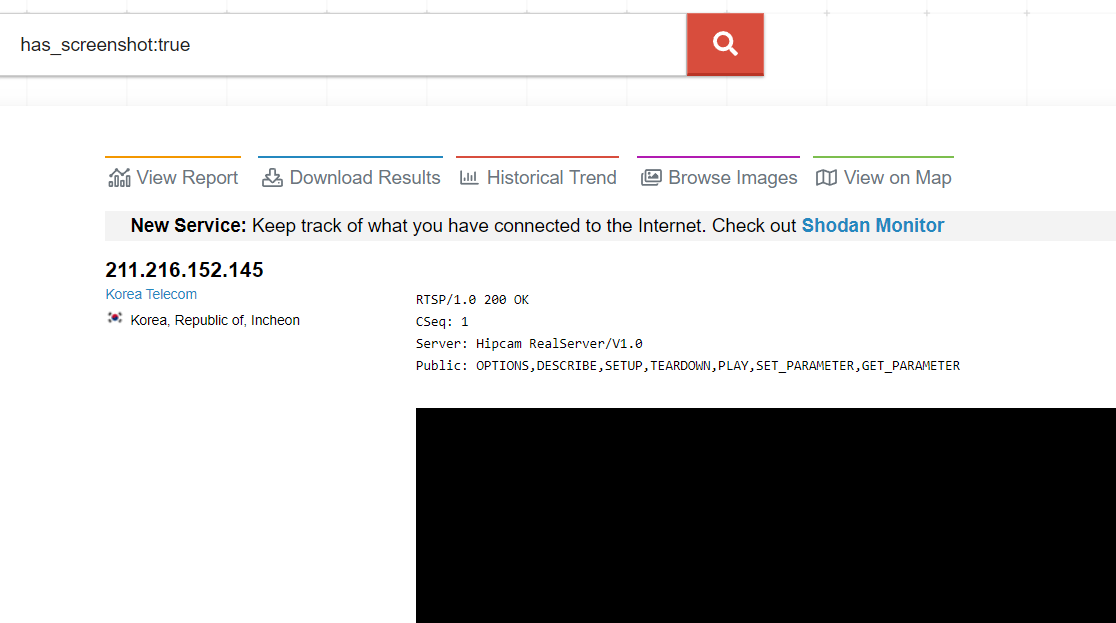
There are several ways of querying for screenshots in Shodan. We can check if a host has an associated screenshot with the has_screenshot parameter:
has_screenshot:true
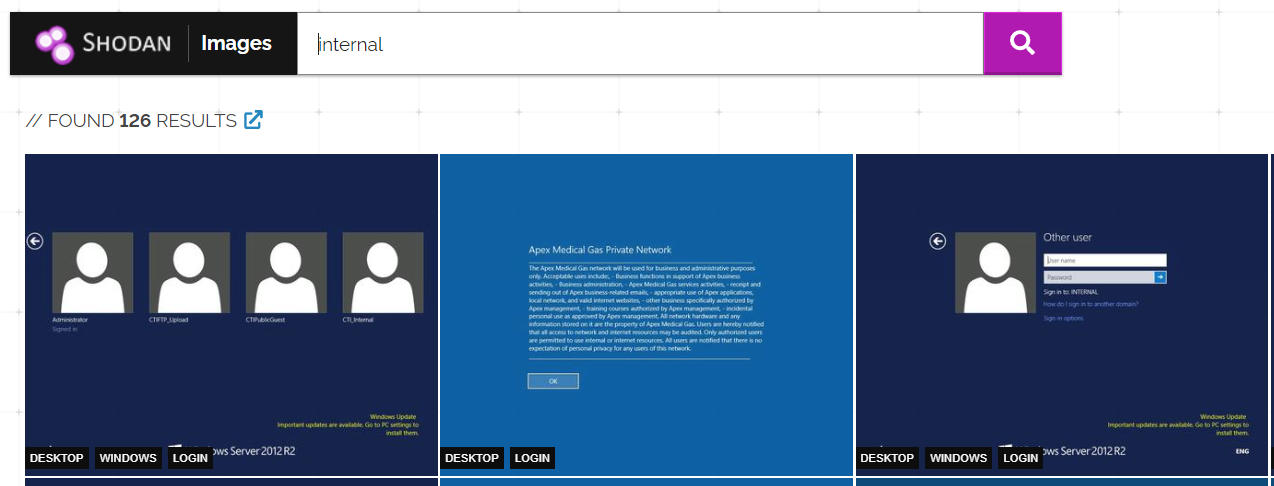
We can also search for text within screenshots using screenshot.label. For example screenshot.label:desktop
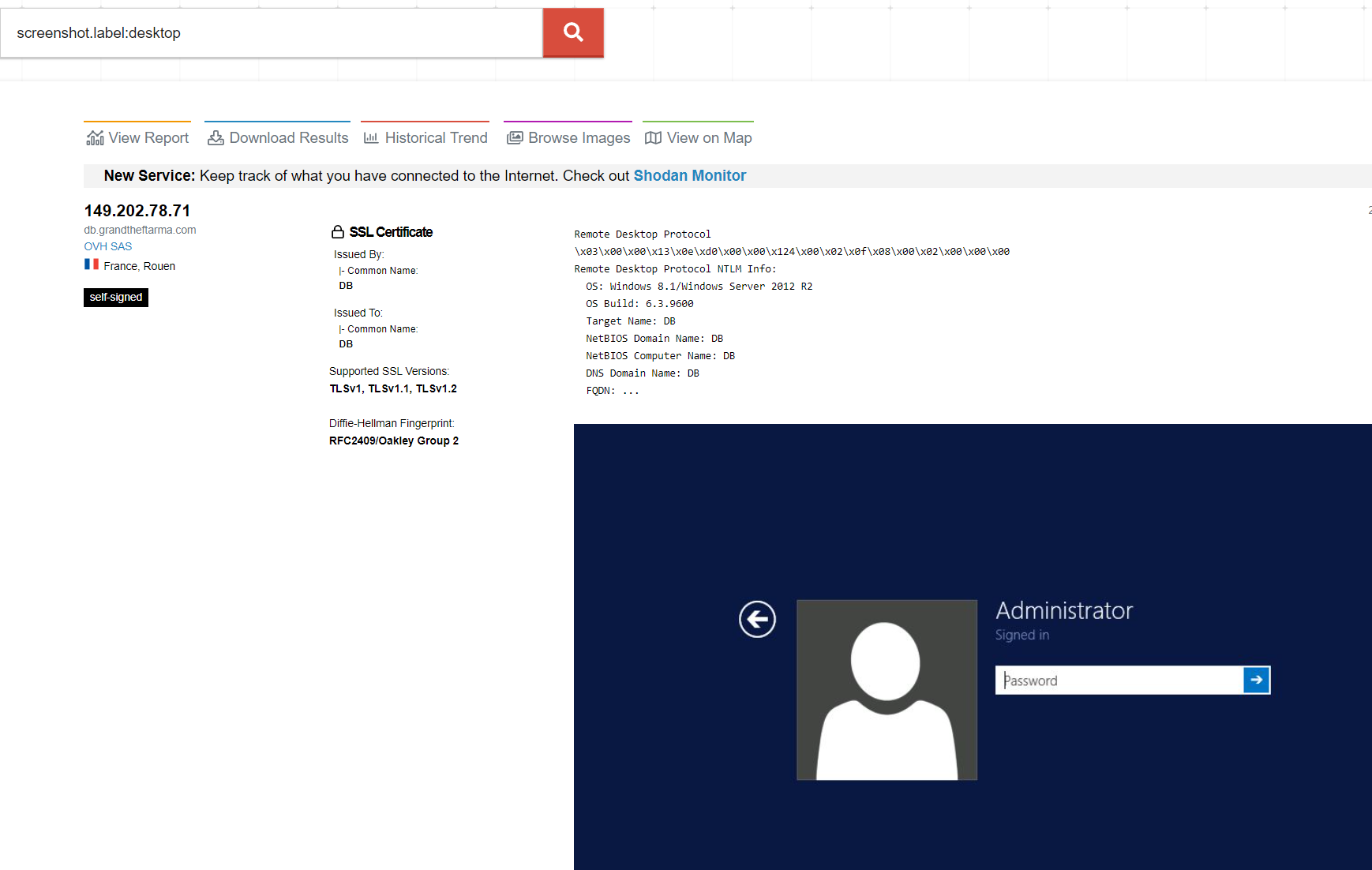
Searching for labels using this filter doesn’t always return a complete set of results from my experience, luckily we can also query for them from images.shodan.io.
SSL Certificates
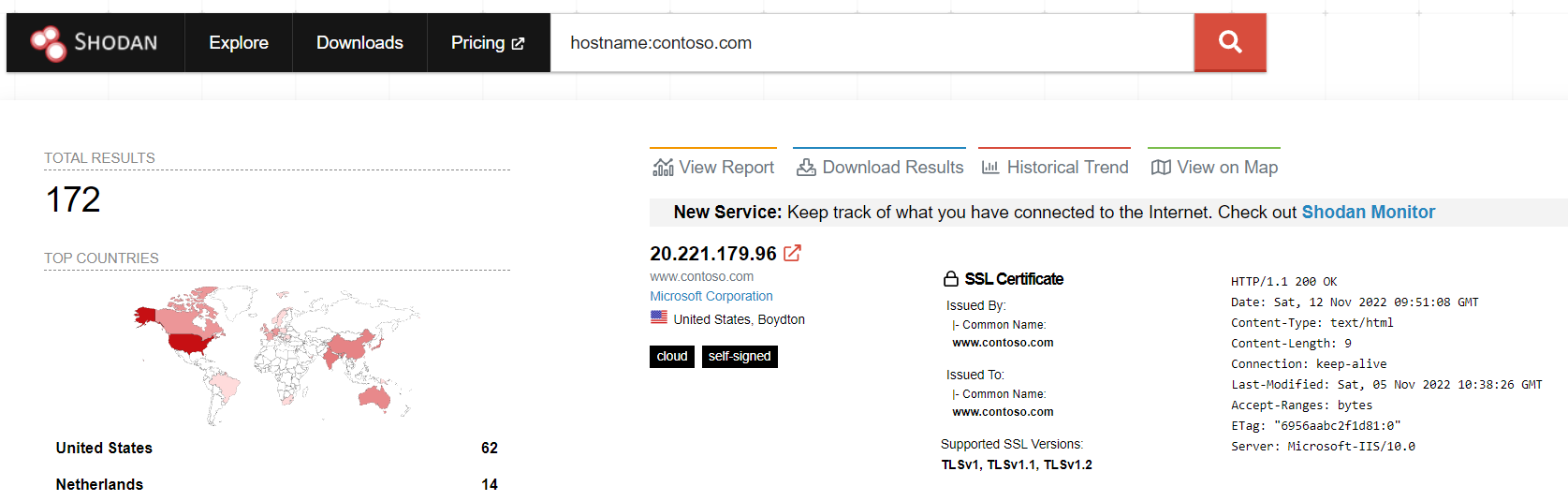
From my experience, searching for SSL certificate hostnames in Shodan is a great way of identifying hosts based on SSL information. We can do this with the hostname filter in Shodan. For example, we will look for hosts using an SSL certificate containing contoso.com:
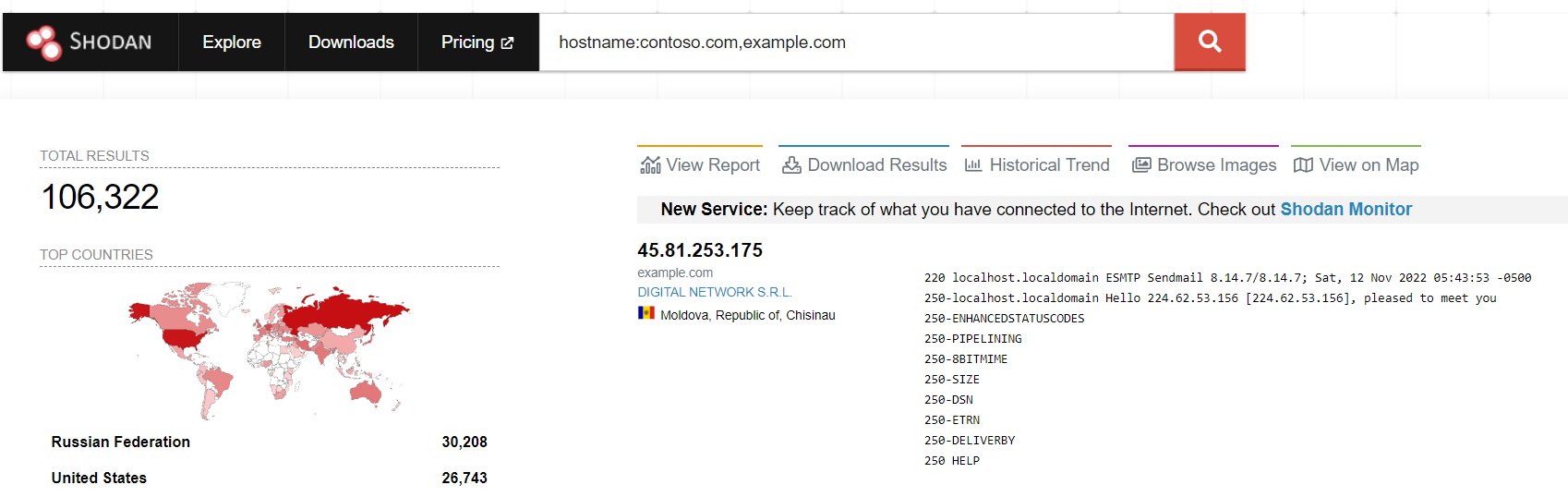
We can also combine multiple hostnames together which can help to reduce the number of queries made to Shodan! For example we can hunt for contoso.com and example.com with the following query:
hostname:contoso.com,example.com
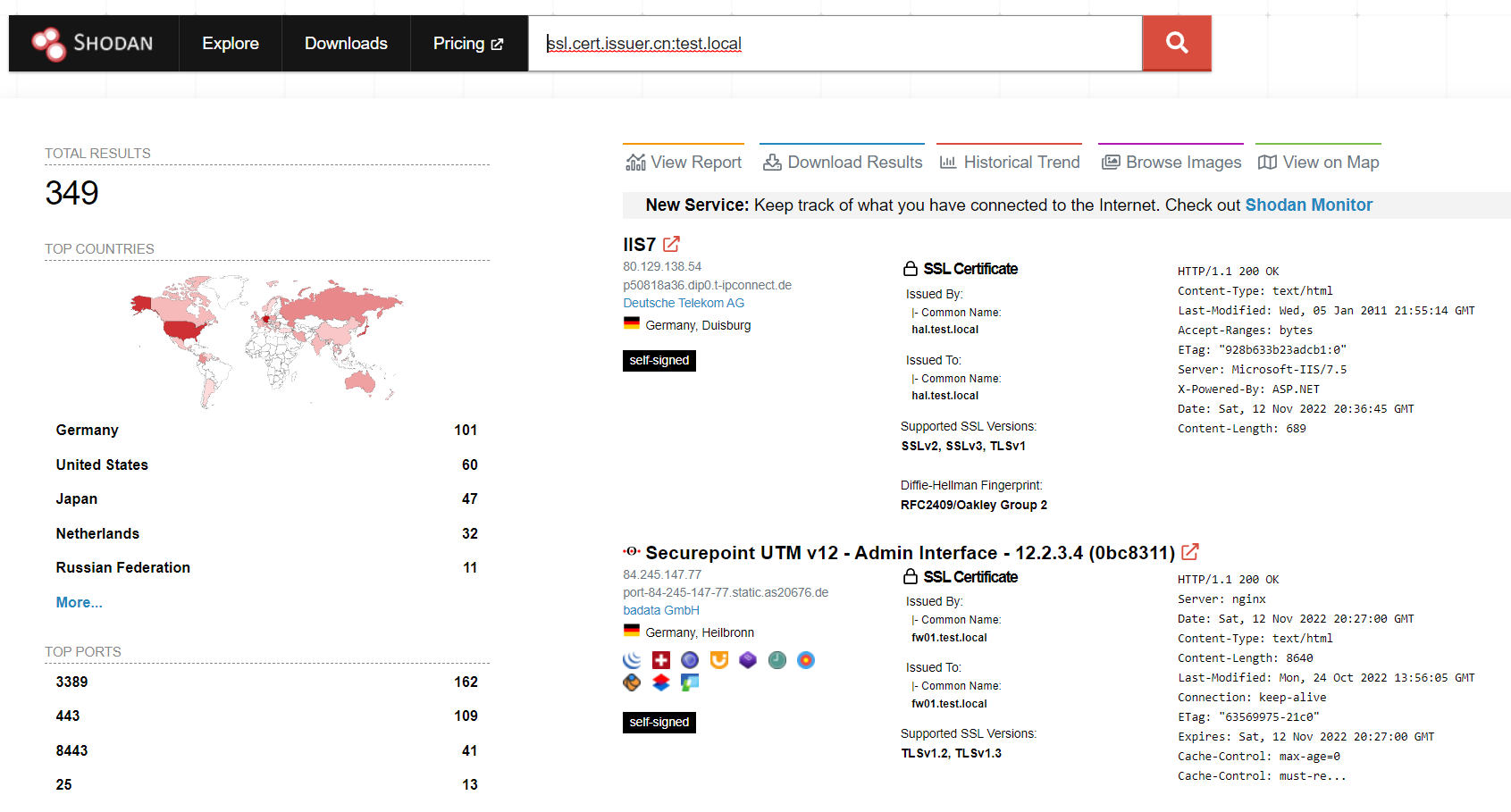
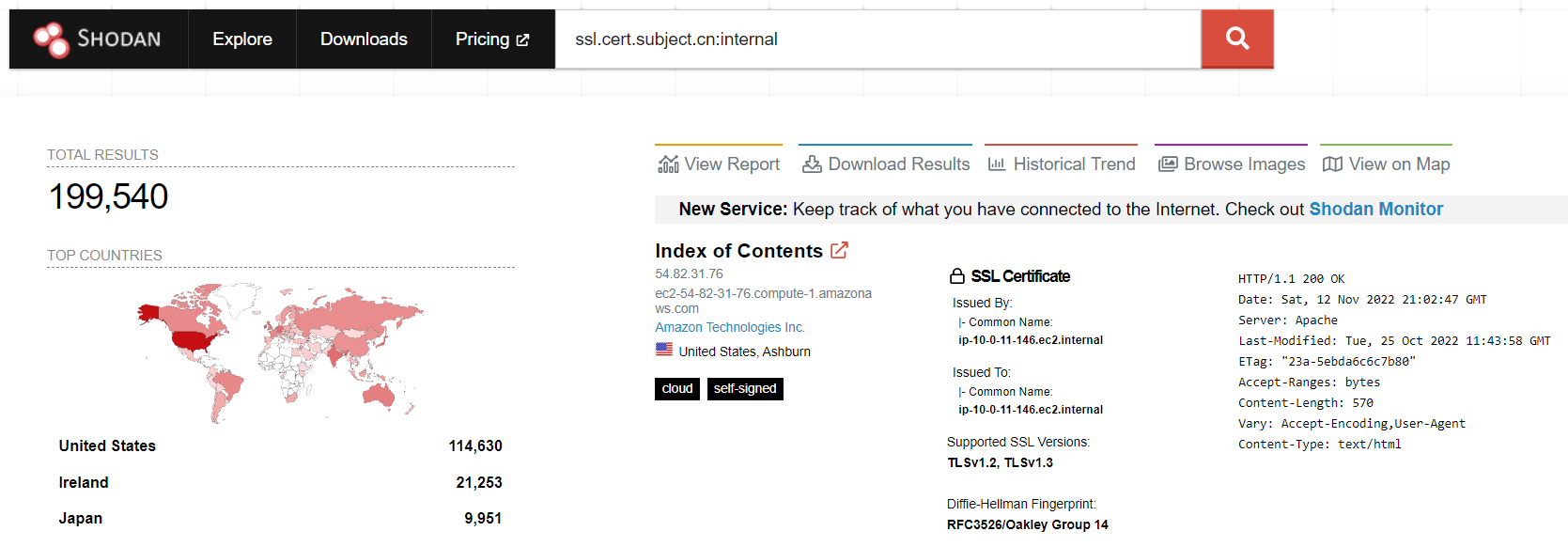
We can also look within an SSL Certificate for part of the issuer CN or subject CN. For example, hosts with a certificate issued by test.local
HTTP Content
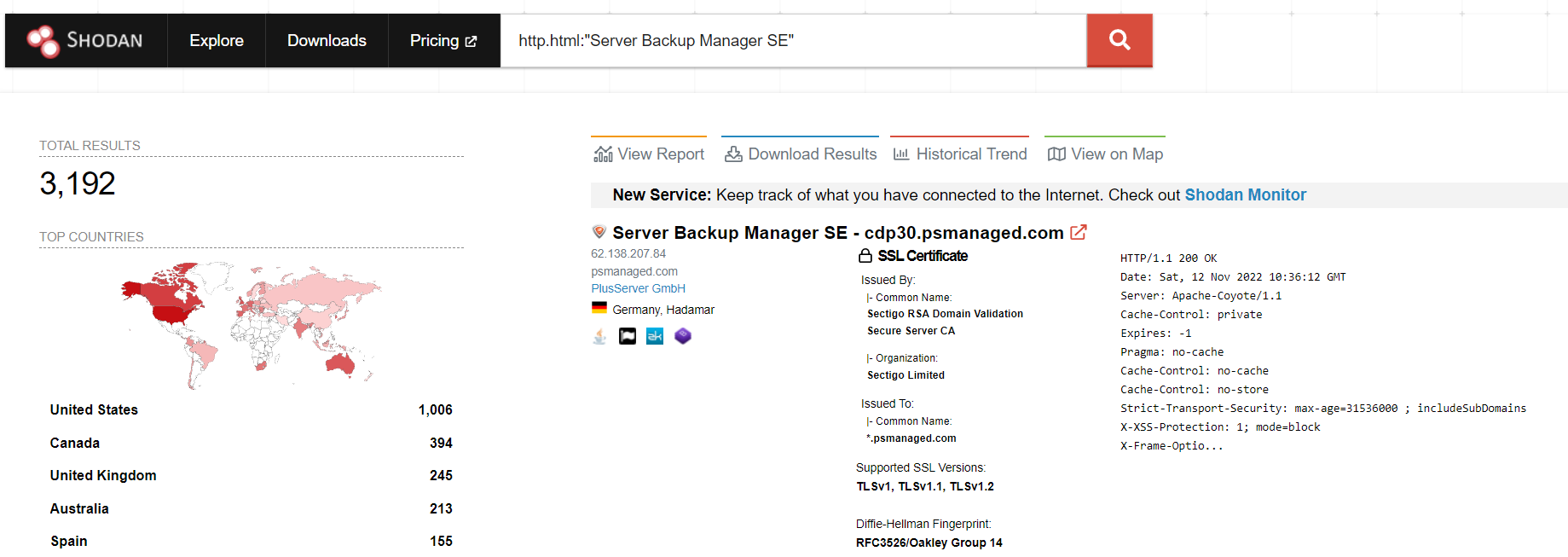
As expected, we can look within the HTML content of pages to find results. This has previously been done with the R1Soft vulnerability found by Huntress in early November 2022. Using their query of http.html:"Server Backup Manager SE" we can see that at the time of writing this post, 3,192 backup appliances remain online – showing that their vulnerability has led to nearly 2,000 backup devices being removed from the internet.
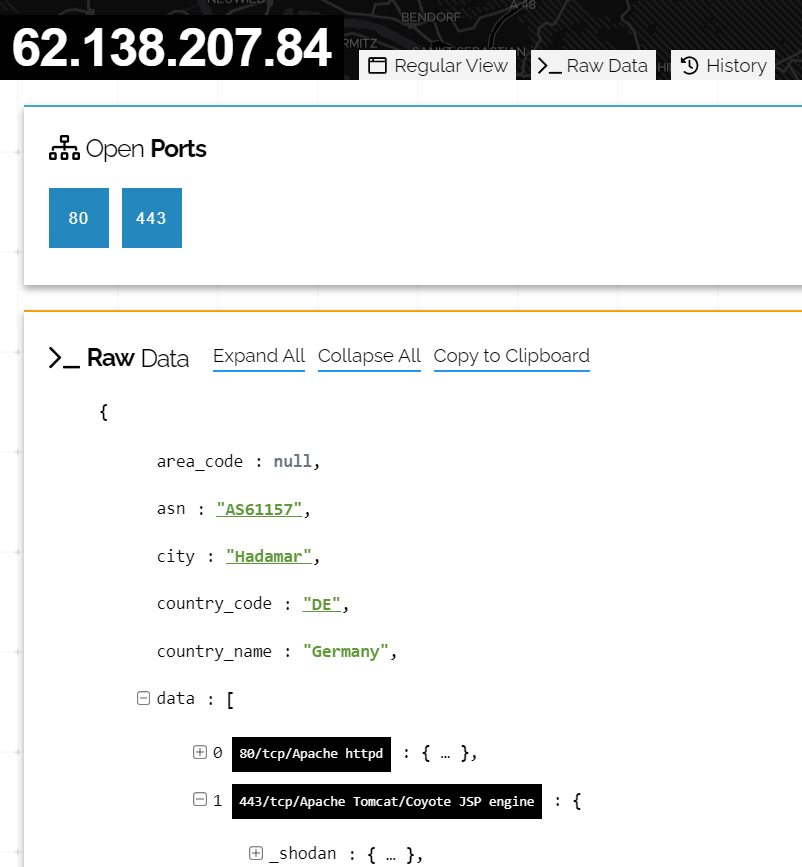
As an example, we can look for other queries which can identify other R1Soft devices. As an example, we could search for the favicon to find other systems which might not include the string “Server Backup Manager SE“. To do this, we can click on this host and click on the Raw Data tab at the top of the page
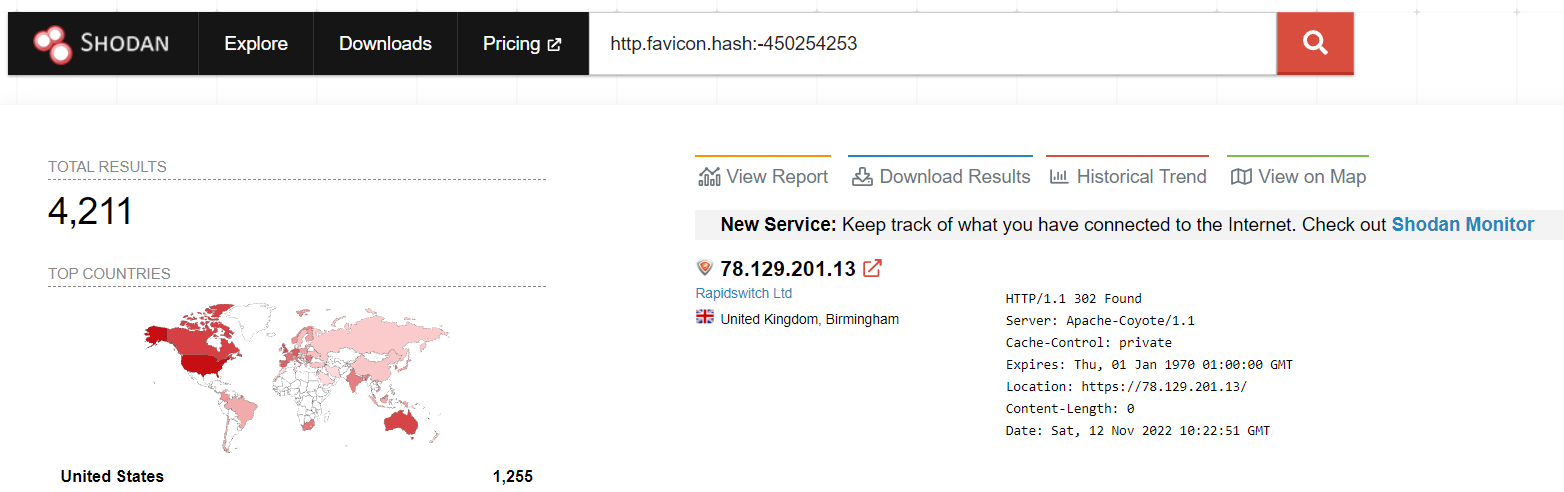
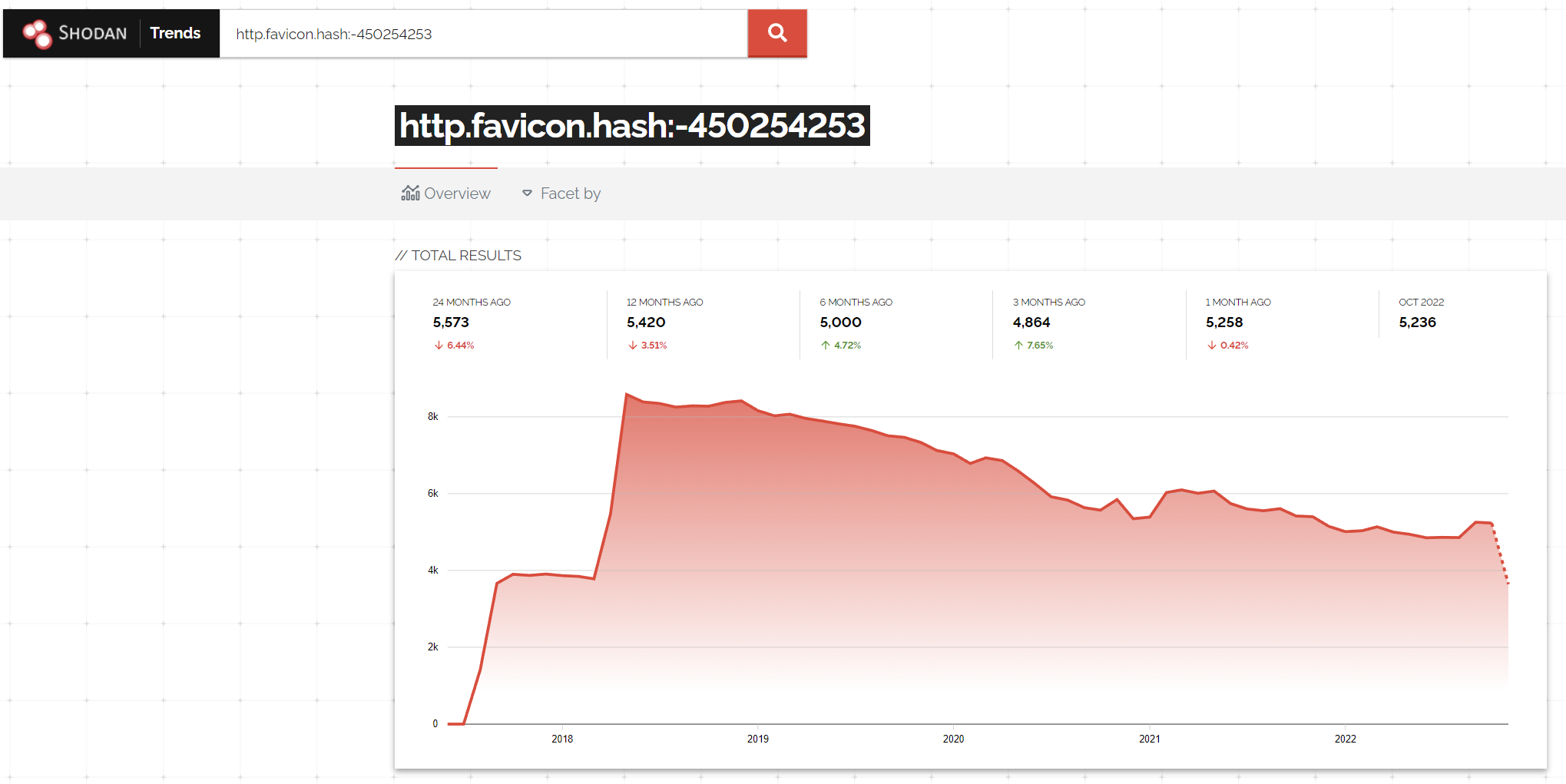
After digging through the data, we find the hash is -450254253, which we can then hunt for using http.favicon.hash:-450254253, revealing a further 1,000 devices which could well be additional backup servers (Though we would want to further validate these results!)
With this query, we can use the ‘Historical Trend’ tab to show historical data on this query. This shows that the number of devices exposed to the internet has been gradually decreasing since 2018, with a sharp decline since the vulnerability was released
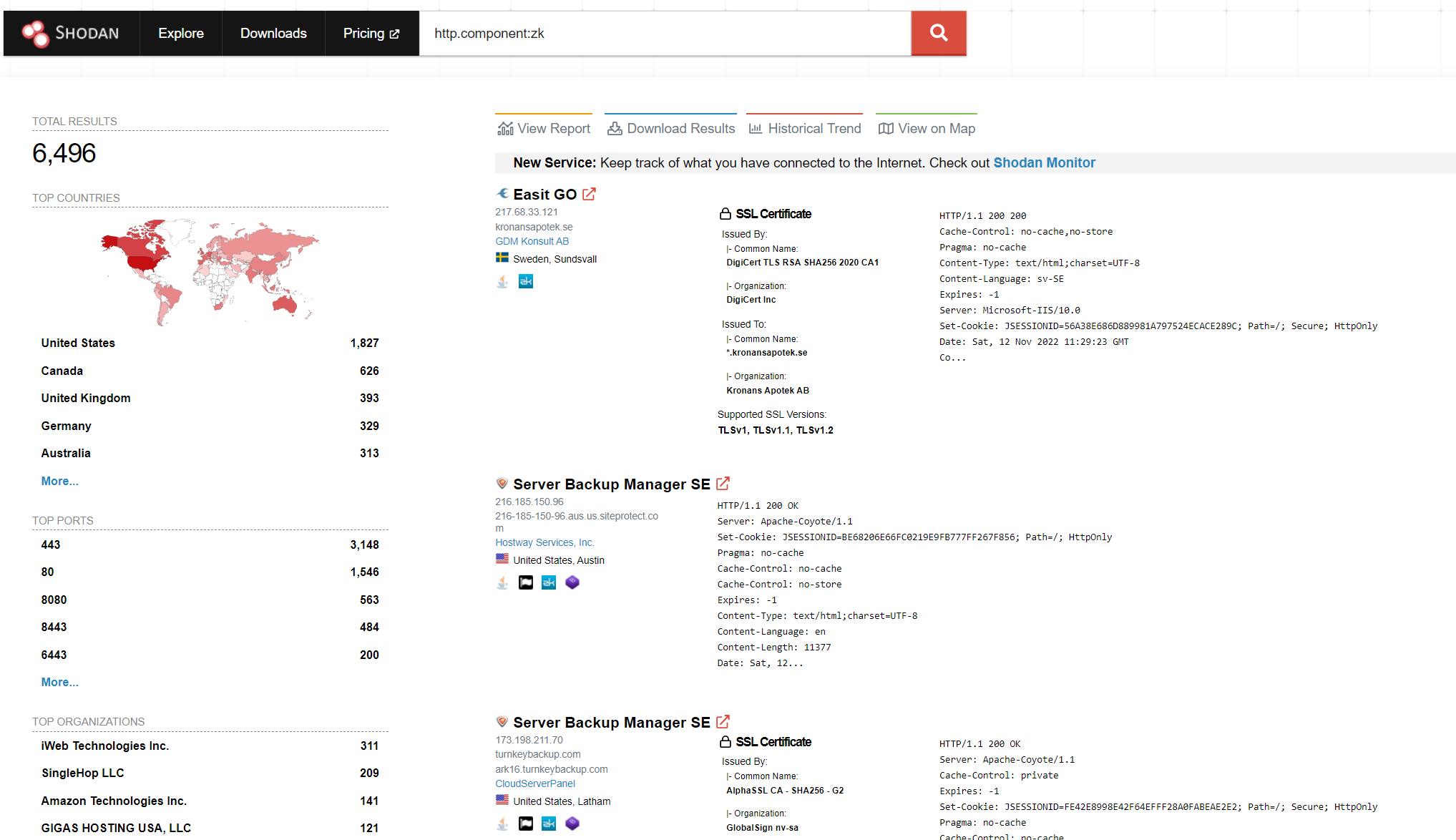
Continuing with the R1Soft theme, the core vulnerability was due to an authentication bypass (CVE-2022-36537) within the ZK framework. We can also search Shodan for sites using ZK with the http.component:zk query. We can see this returns over 6,000 results and includes some R1Soft systems
More Complex Queries
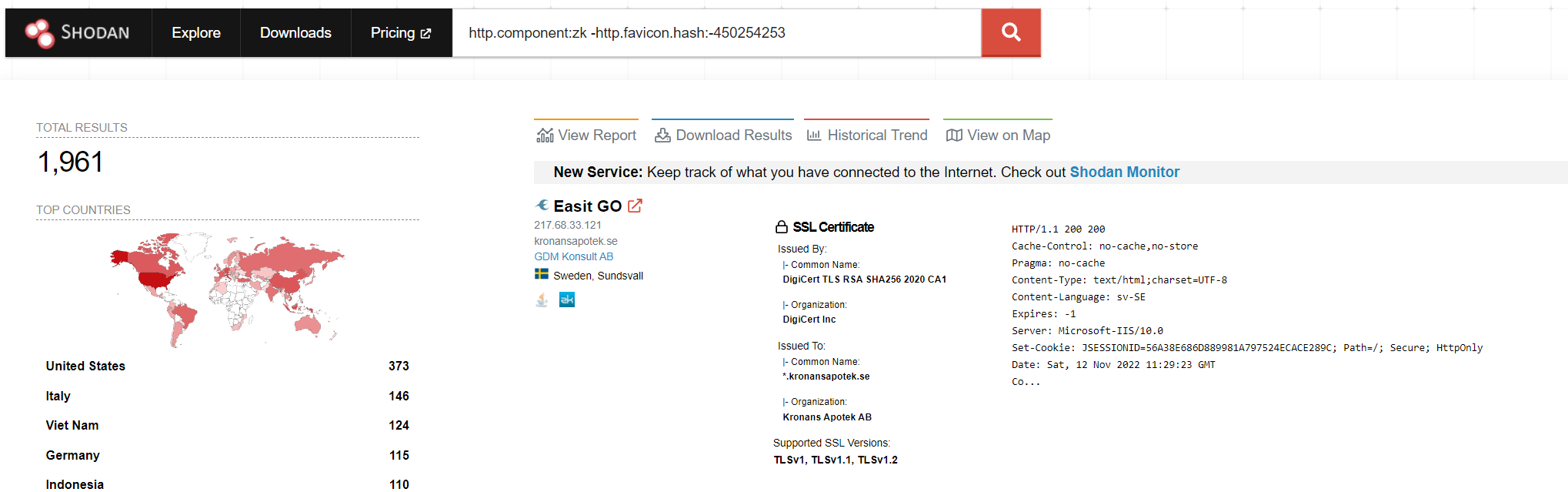
With Shodan we can combine several queries together to perform some complex searches. For this I will start with the R1Soft systems from above. We might be interested in finding which systems could be vulnerable to CVE-2022-36537 within the ZK library, but ignore any R1Soft systems (As they will be obviously patched by now..).
To do this, I will combine the http.component and then ignore any results from the http.favicon.hash query results, which we performed earlier, giving us the following query: http.component:zk -http.favicon.hash:-450254253
Finding Interesting Hosts For A Target
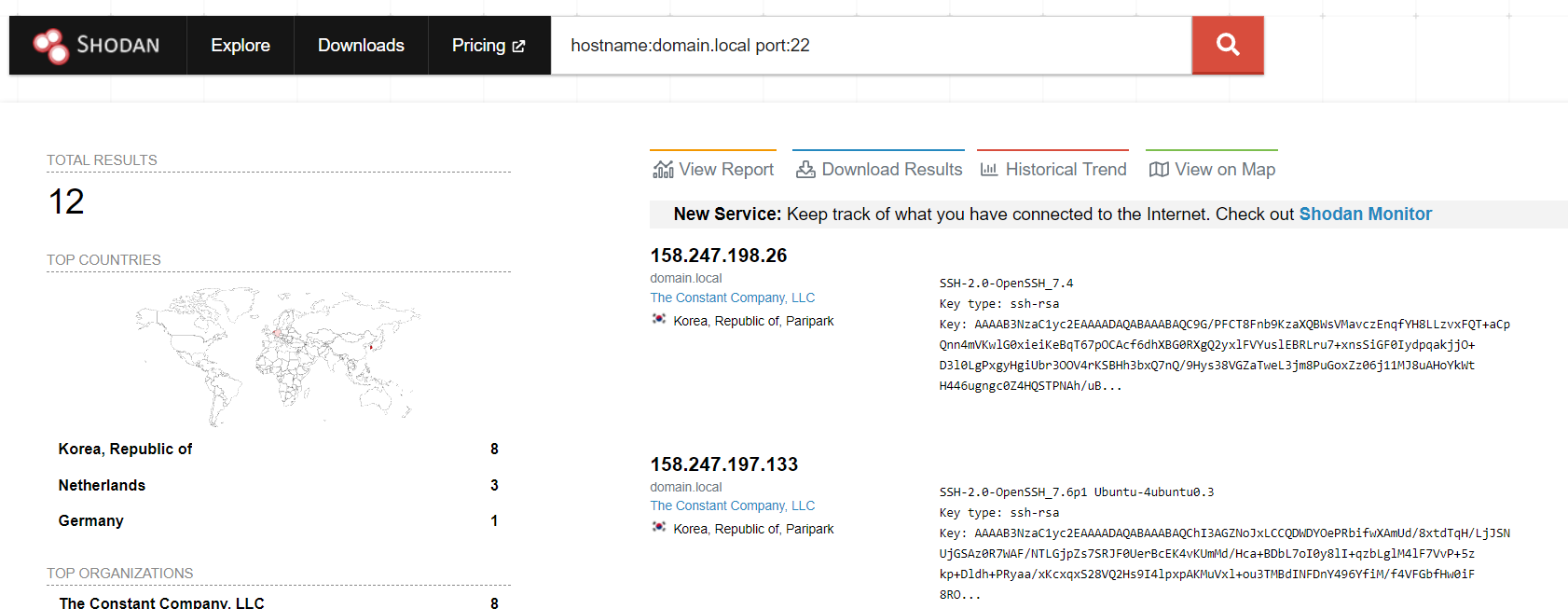
This is where Shodan shows its power – we can search for hosts for a target which have interesting ‘stuff’ related to them. For example, we can combine the hostname filter (To find hosts based on their SSL certificate) and the port filter (To find those with SSH exposed).
Assuming our the internal domain name of our target was ‘domain.local‘, we can find 12 potential hosts with SSH exposed with the query hostname:domain.local port:22.
In a similar vein, I also quite like to perform that search but ignore both port 80 and 443 with -port:80 -port:443. We can also shrink this query by doing -port:80,443 instead!
Using our fictitious target of ‘domain.local‘, this search reveals 53 hosts which have an SSL certificate for domain.local and are exposing what I would consider as non-standard port
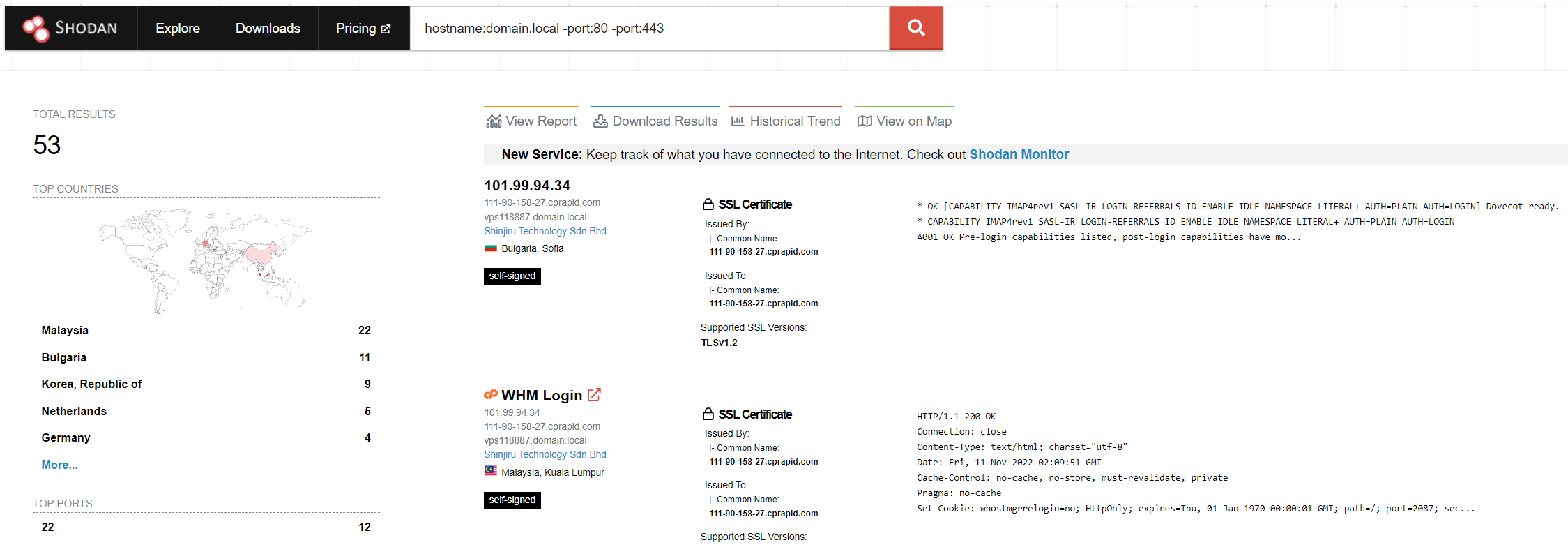
Find potentially unmanaged devices
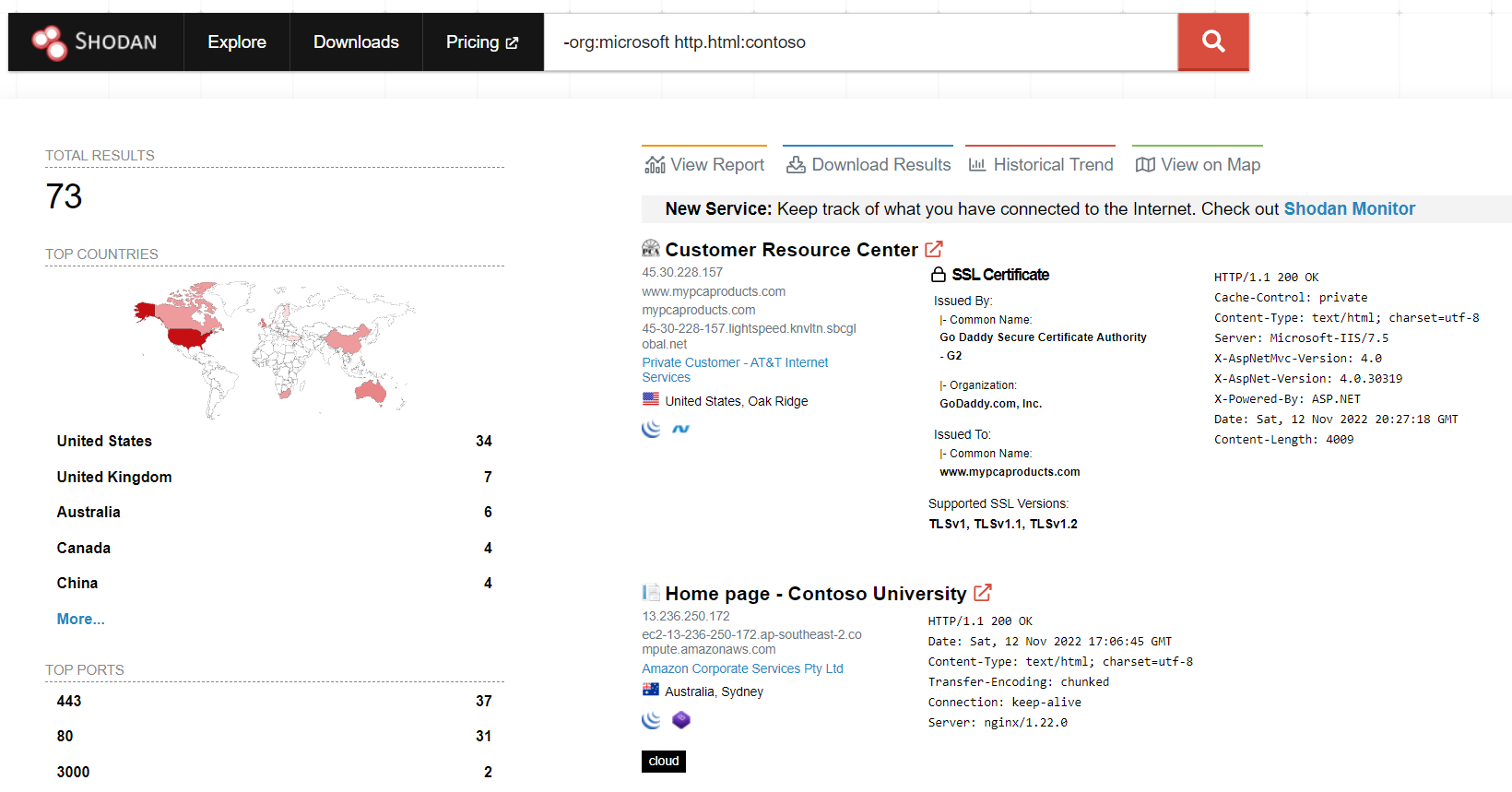
Another useful one is to ignore a ‘range’ of IP addresses (Whether this is via CIDR or an ASN) and then search for your targets name via some means (HTML content, SSL Certificates and so on).
For example, looking for a Microsoft term within the HTML content (http.html:contoso) and ignoring any hosts which are within an ASN which has Microsoft in the name (-org:microsoft). This search is shown below:
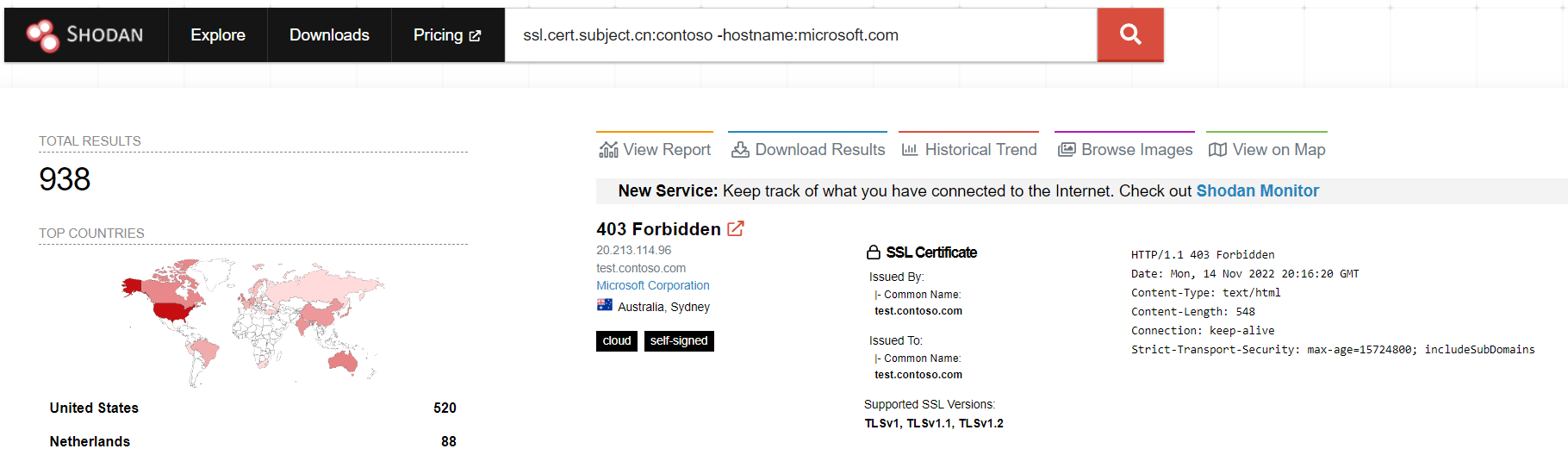
Or in a similar vein, we can search for hosts with a certificate subject name containing ‘contoso‘, and ignore any SSL certificates with a hostname containing ‘microsoft.com‘, making a query of: ssl.cert.subject.cn:contoso -hostname:microsoft.com
Tracking Assets Over Time
Another way of using the ‘Historical Trend’ tab is to track individual assets over time by effectively performing a basic historical search. For example, lets assume we want to find all the hosts which have exposed their CLR version via a header. To do this, we will take one of the examples from above and append a query for ‘X-AspNet-Version‘ headers, giving us a current set of 15 devices:
ssl.cert.subject.cn:contoso -hostname:microsoft.com X-AspNet-Version
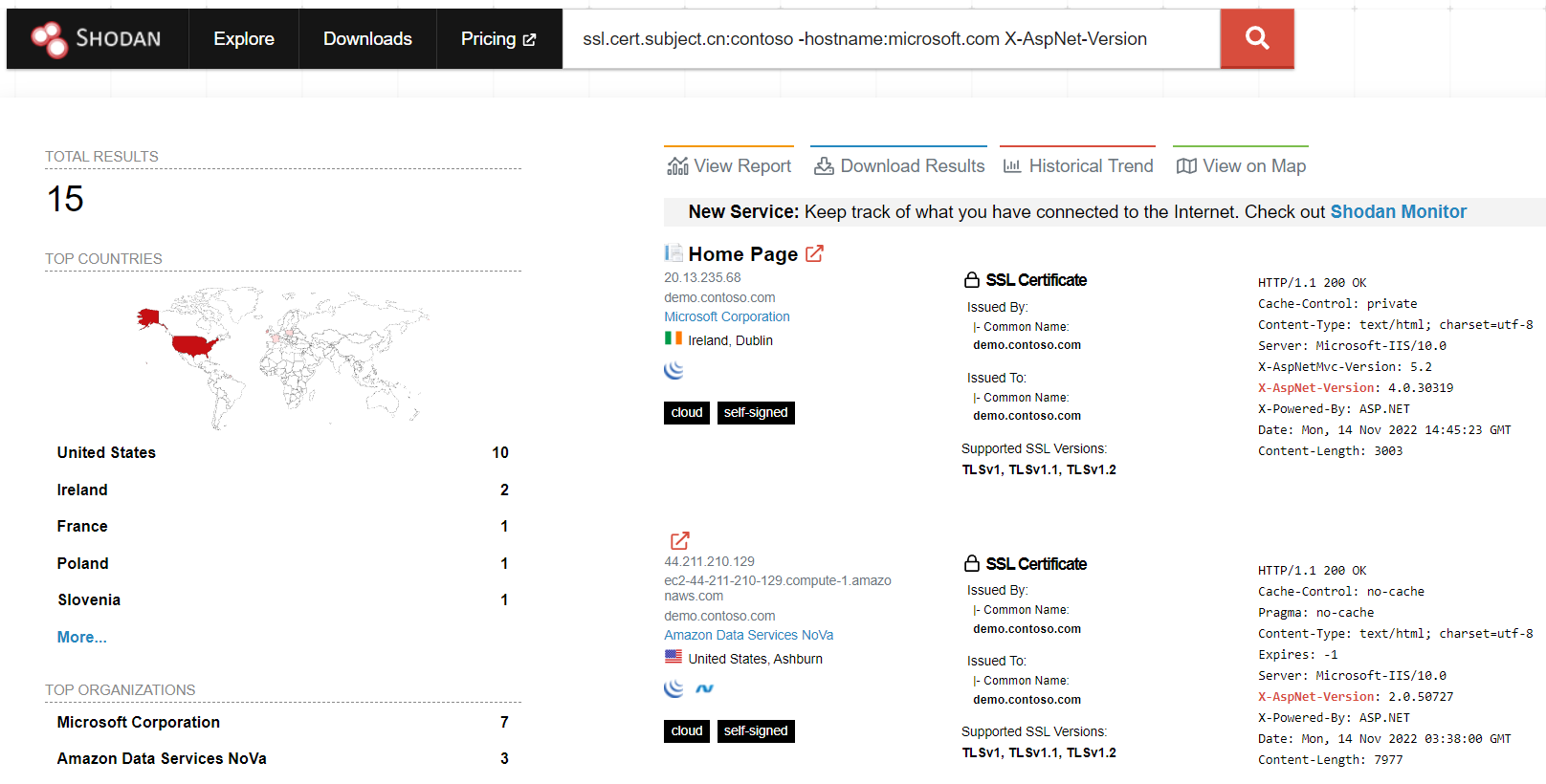
Now what if we want to see if any other hosts would have met that criteria in the past? We can do that by going to the Historical Trend tab. As we can see below, the number of devices has varied significantly over the previous 5 years:
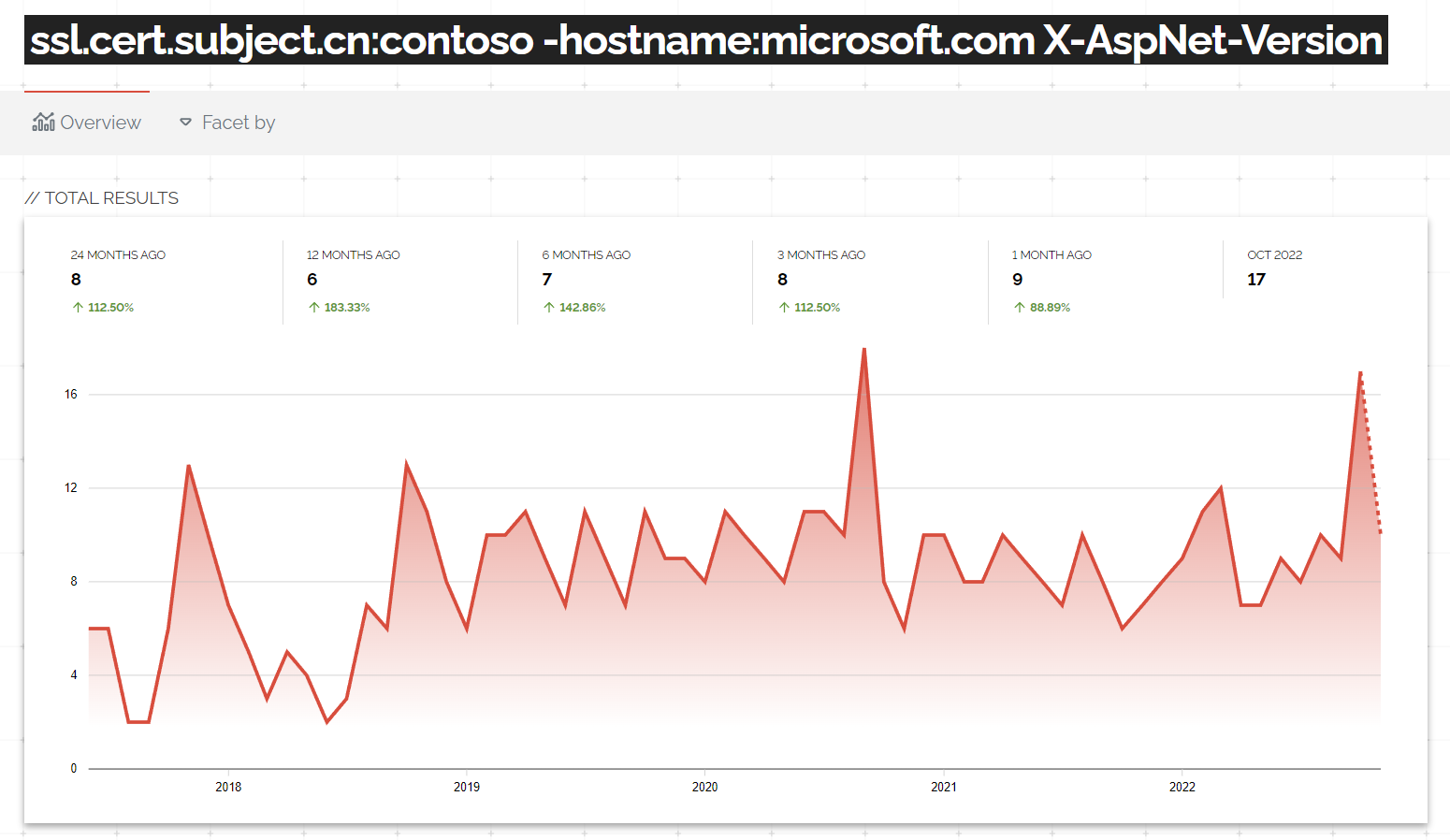
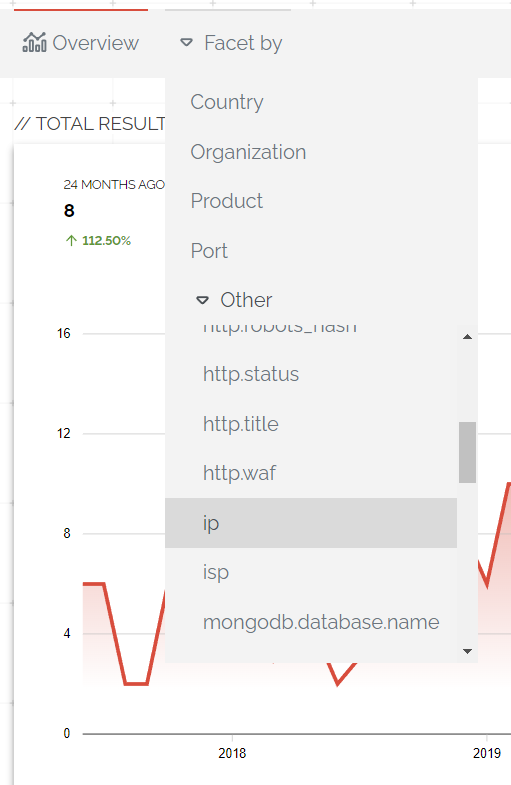
From here we can click on ‘Facet By’ and select IP to get a list of all the IP addresses which constitute the data in the graph above
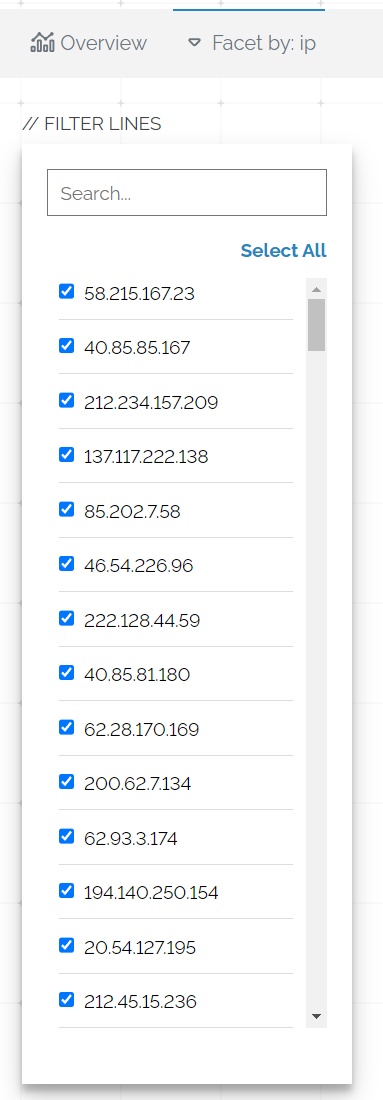
Unfortunately we cannot access the hostname value, but we can also access the ssl.cert.subject.cn parameter which might reveal some hostname information
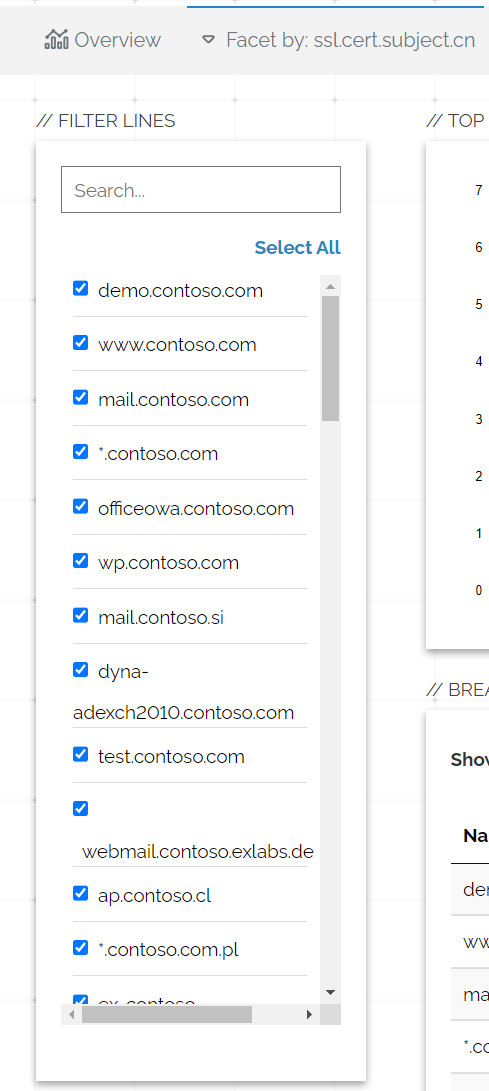
This data might provide a starting point for us to discover which assets have revealed that header.
Summary
Hopefully this post has been of use, below are some other blog posts which I found helpful: